Your storefront
What your customers see and can do
A walk through your store from the shopper's side: browsing, checkout, accounts, saved items, reviews and returns.
It helps to know what your customers experience, so you can answer their questions. Everything here is part of every store; you don't switch it on.
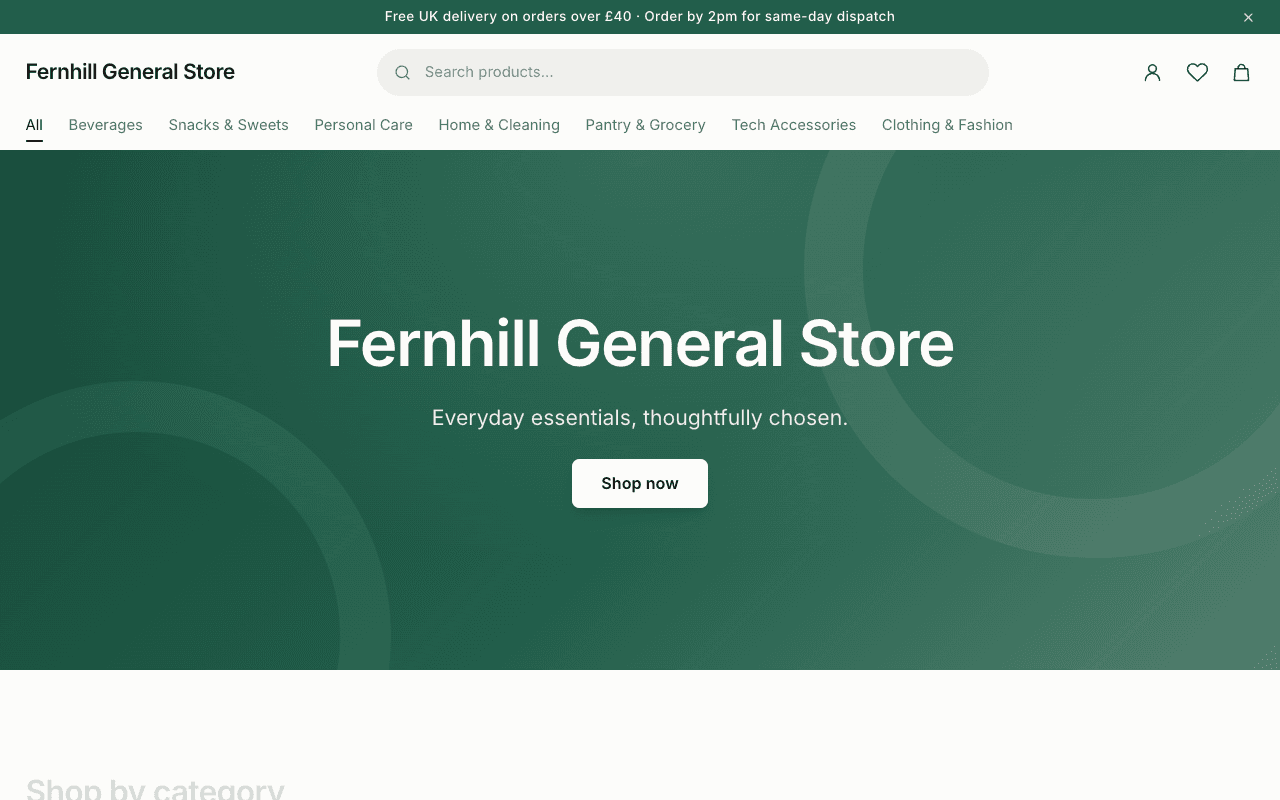
Browsing
- Search with suggestions as they type, and filters for category, price, options such as size and colour, and items on sale.
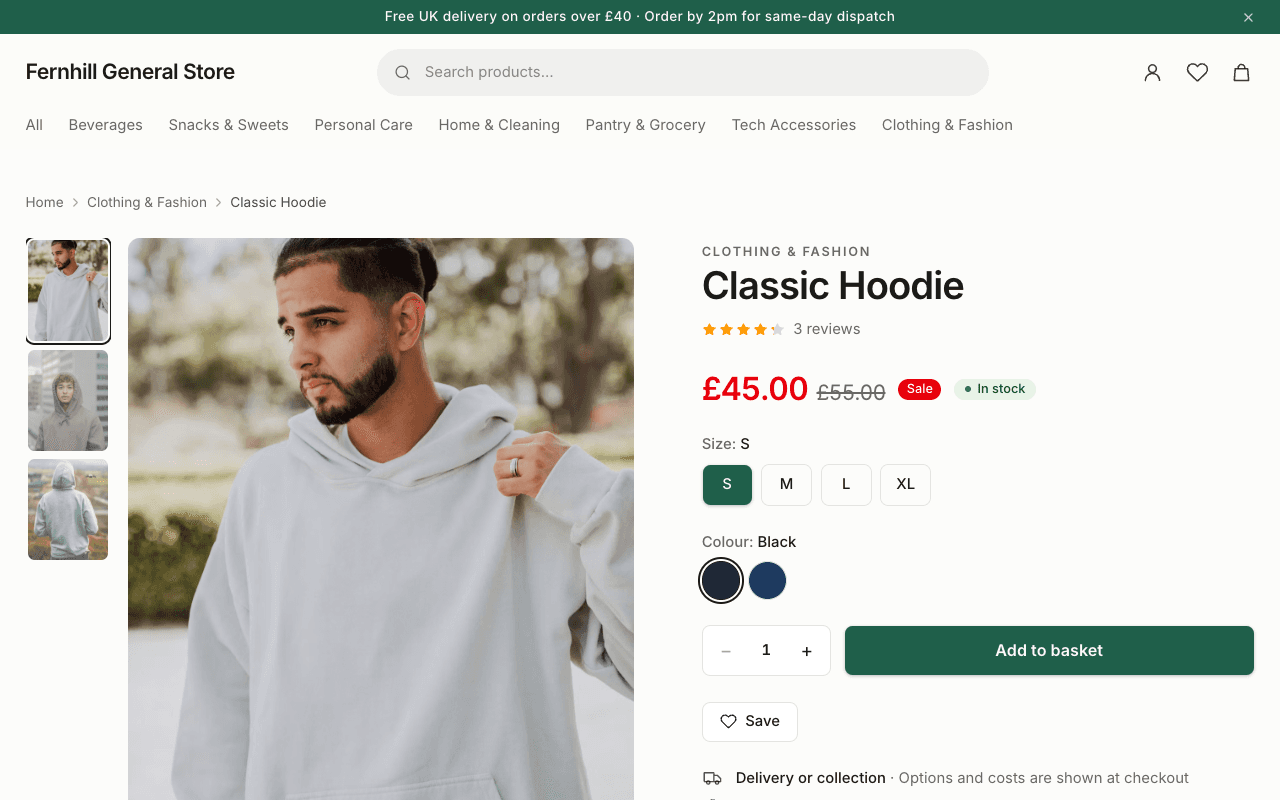
- Product pages with a photo gallery and zoom, the options you offer, stock status and reviews.
- A heart on every product to save it for later. Saved items are kept on the shopper's device, and move into their account when they sign in.
- If a variant is sold out, "Email me when it's back".
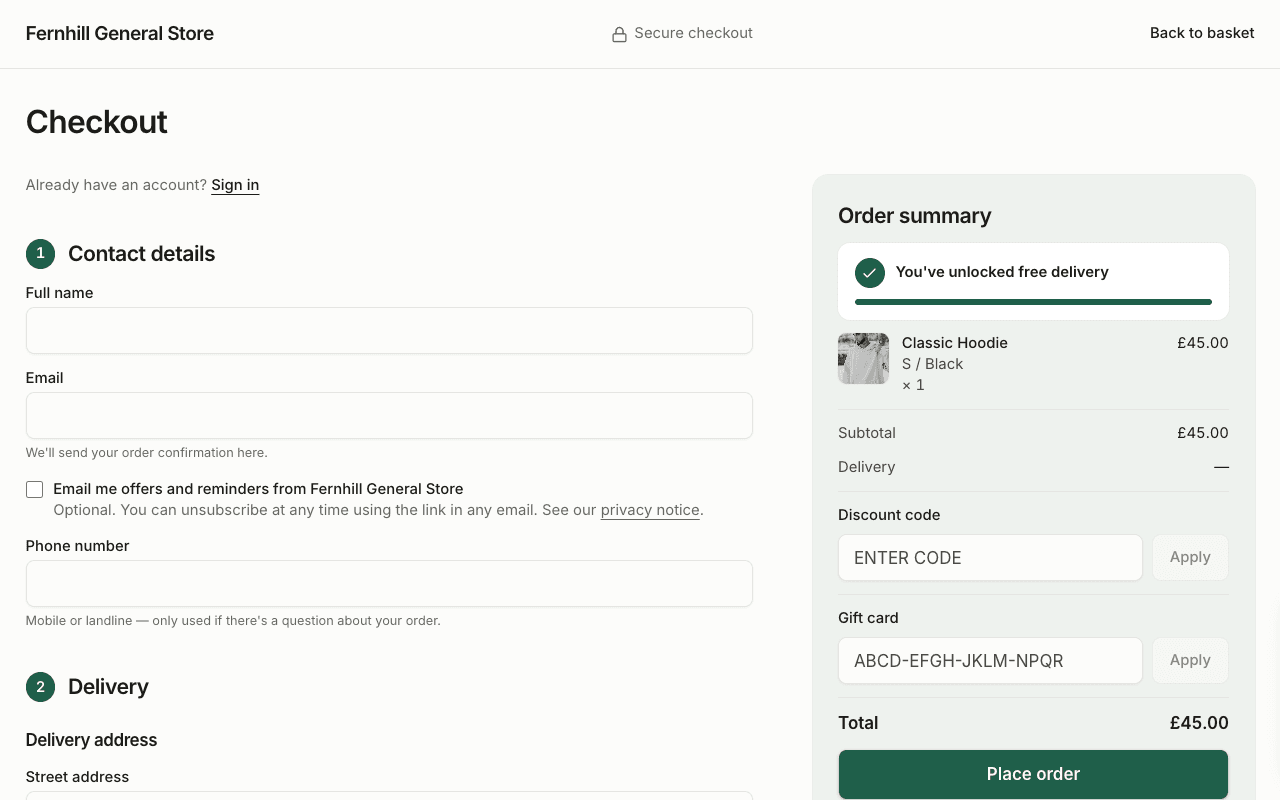
Checkout
- Nobody has to create an account to buy. A guest gives their name, email, phone and address.
- A shopper with an account can sign in from the checkout itself and keep their basket. Their details and saved addresses fill in.
- Card payments go through Stripe. Where you've set it up, Apple Pay and Google Pay appear at the top for shoppers whose device supports them.
- The basket is kept for 30 days on the device, so someone who leaves can come back to it.
After the order
- A confirmation email, and an order page that shows progress as you update the order.
- A guest is offered an account in one step: they choose a password and the order, address and details are already in it.
- Cancel the order themselves while it hasn't been sent, and ask for a return once it has arrived.
A customer's account
- Order history, with Buy again to put a past order back in the basket at today's prices.
- An address book with a default address.
- Saved items.
- Their marketing email preference.
- Download or delete their own data.
A new account is asked to confirm its email address. Until it does, orders placed with that email as a guest don't appear in the account — this stops someone seeing another person's orders by registering with their address.
Reviews
Signed-in customers can rate and review products. Reviews appear on the product page with the average rating, and a review from someone who bought the item is marked as a verified purchase.