Customers and marketing
Your customers
See everyone who has bought from you, what they've spent, and how to handle a request for their data.
In the consoleOperate → Customers
Customers lists everyone who has bought from your store, with how many orders they've placed, what they've spent and when they last ordered. Search by name, phone or email, sort the list, or export it as a CSV.
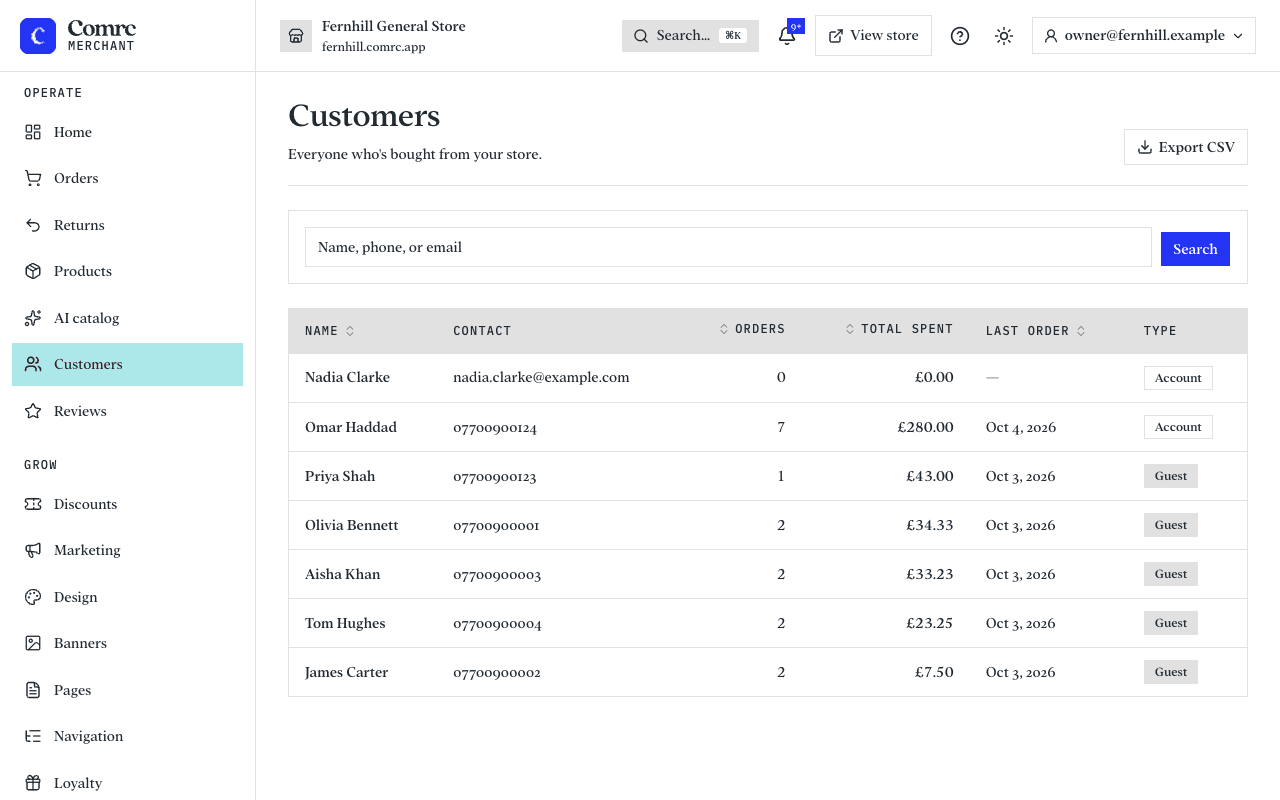
Guests and accounts
Shoppers don't need an account to buy. Someone who checks out without one is a Guest. Someone who has created an account — with a password, or with Google or Apple where that's available — is an Account, and can see their orders, save addresses and reorder.
One customer's page
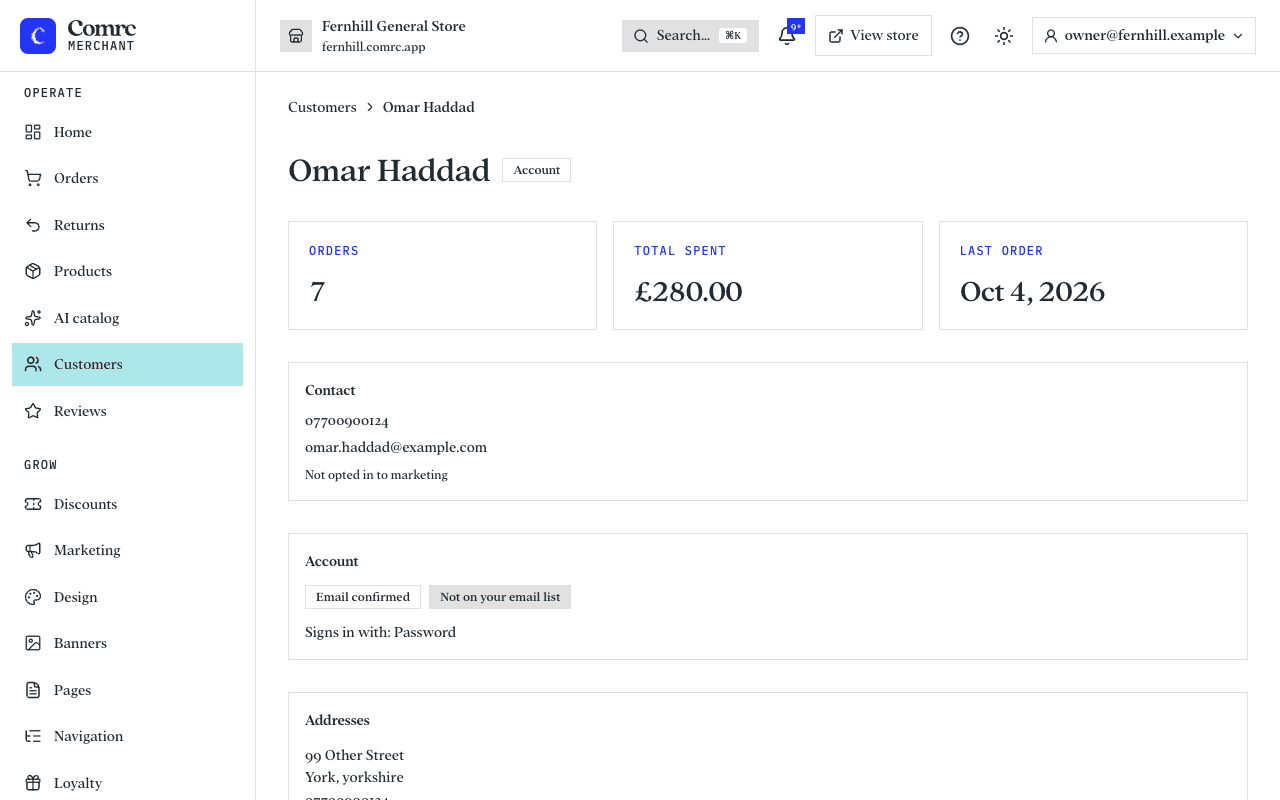
- Orders, total spent and last order date.
- Contact details and saved addresses.
- For an account: whether their email is confirmed, whether they are on your email list, and how they sign in.
- Their order history, with a link to each order.
Requests about personal data
Under UK GDPR a customer can ask for a copy of the data you hold about them, or ask you to erase it. Both are at the foot of the customer's page.
- Export data downloads everything held about that customer as a file you can send them.
- Erase customer permanently removes their personal details and signs them out everywhere. Their past orders are kept as financial records but no longer show their name. This cannot be undone.