Customers and marketing
Selling and issuing gift cards
Sell gift cards from your catalogue, issue one by hand, and see the balance your customers still hold.
In the consoleGrow → Gift cards
A gift card is store credit. At checkout it pays down what the buyer owes — it isn't a discount, so tax and totals are unchanged.
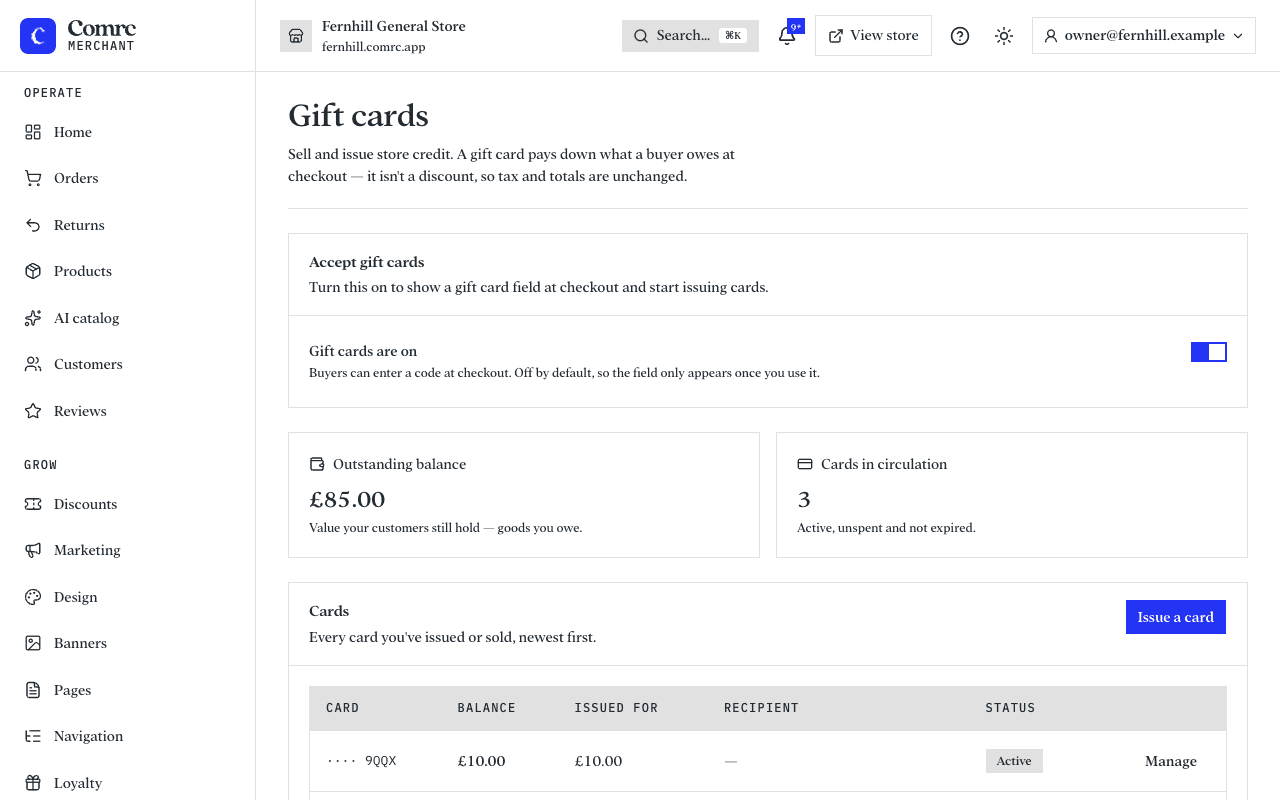
Switch gift cards on
Gift cards are off by default. Switch on Accept gift cards and a gift card field appears at checkout.
Sell gift cards
Add a product for each value you want to offer and mark it as a gift card. When someone buys it, the card is created and the code is emailed once the order is paid. The buyer can send it to someone else, with a message.
Issue a card yourself
Press Issue a card to create one by hand — as a goodwill gesture, a competition prize or a refund as credit. Add the recipient's email and the code is sent to them, or leave it blank and pass the code on yourself. You can set an expiry date and an internal note.
Manage a card
- Show code reveals the full code. Anyone with the code can spend the balance, so treat it like cash.
- Disable a card to stop it being spent. The balance stays on it.
- Adjust the balance up or down. A reason is required and is kept in the card's history.