Orders and delivery
Returns and refunds
How customers request a return, and how you approve it, receive the items and issue a refund.
In the consoleOperate → Returns
Customers can ask to return items from an order once it has been delivered. Each request appears in the console for you to deal with.
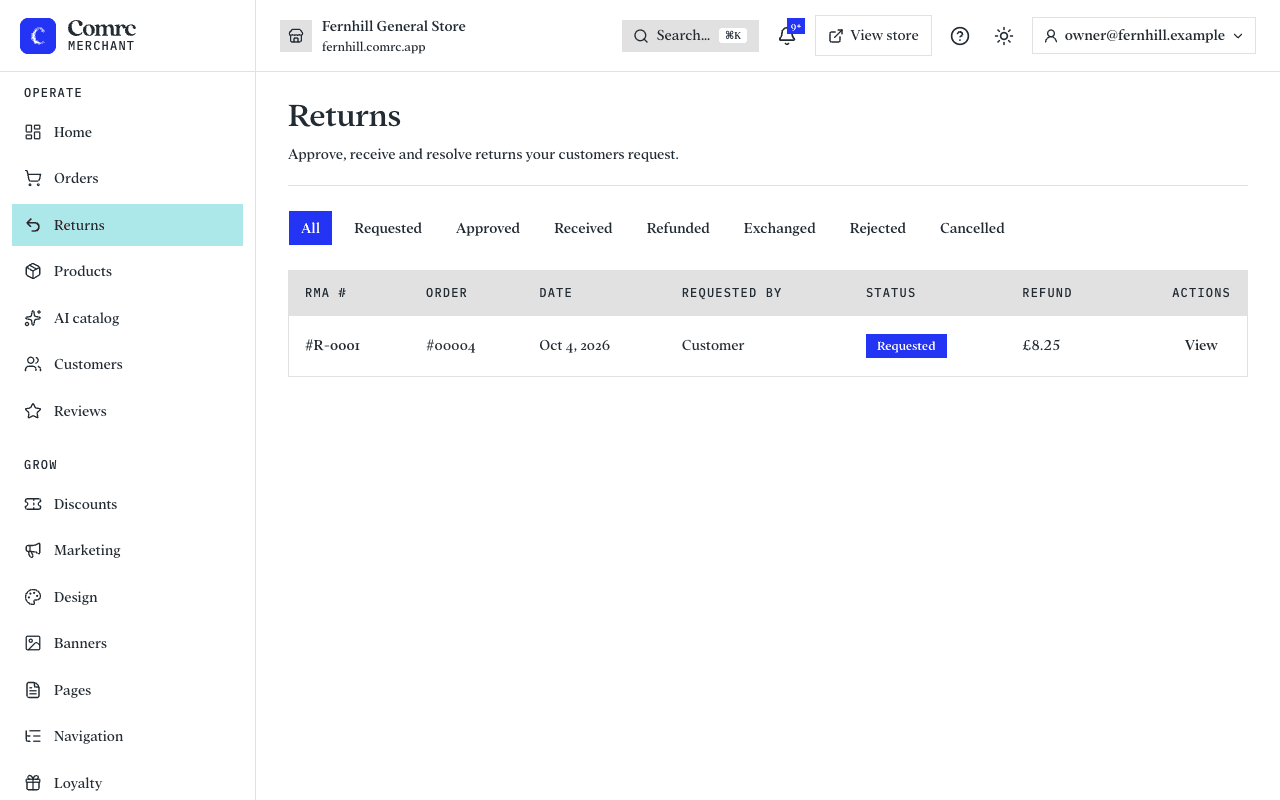
Handling a return
- Review the request — the items and the reason the customer gave.
- Approve it, or decline it if it doesn't meet your returns policy.
- When the items come back to you, mark the return as received.
- Issue the refund.
Where the money goes
Refunds for card payments are sent back to the customer's card through Stripe. It can take several working days to appear on their statement, depending on their bank.