Orders and delivery
Setting up shipping zones
Choose where you deliver and what you charge for each area.
In the consoleAccount → Settings → Delivery
A shipping zone is an area you deliver to, with the delivery charge for orders going there. Customers only see delivery options for the zone their address is in.
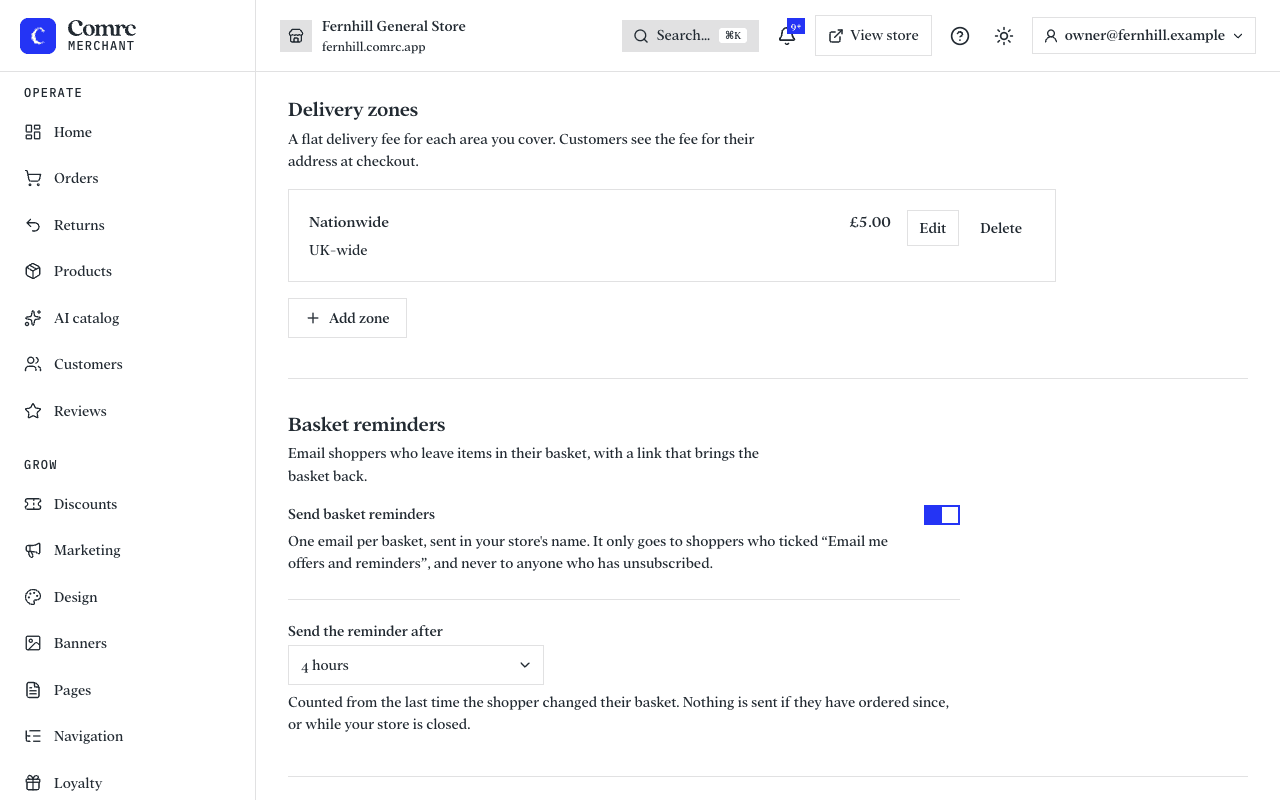
Create a zone
- In the console, open the delivery settings.
- Add a zone and give it a name you'll recognise, such as "Local" or "Mainland UK".
- Add the postcode districts the zone covers — for example SW1 or M4.
- Set the delivery charge for the zone.
- Save, then check the charge at checkout on your storefront.
Tips
- Start simple — one zone for everywhere you deliver is fine. Add more when your prices differ by area.
- If an address isn't covered by any zone, the customer can't choose delivery to it.
- Delivery charges are in pounds and pence, like the rest of your prices.