Orders and delivery
Buying postage labels
Connect your DHL or DPD account and buy a label from the order itself, with tracking sent to the customer.
In the consoleAccount → Shipping
You can run your store without connecting a carrier: pack the order, post it however you like, and type in the tracking number when you mark it shipped. Connecting a carrier saves the typing.
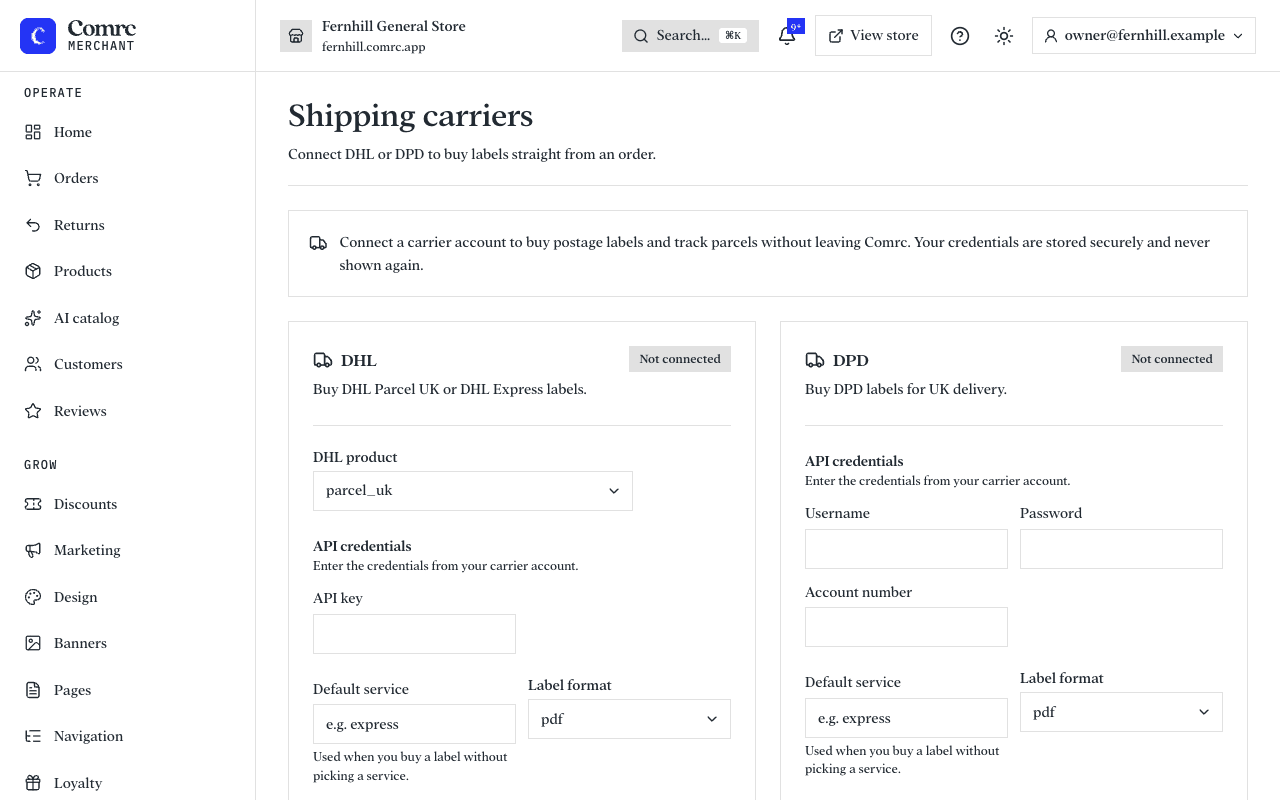
Connect a carrier
- Open Shipping and choose DHL or DPD.
- Enter the credentials from your own account with that carrier. They are stored securely and never shown again.
- Set the collection address — where parcels are picked up from. It is printed as the sender on every label.
- Choose a default service, used when you buy a label without picking one.
- Run the test to confirm the credentials work.
Buy a label
Open a confirmed order. Under Shipping & labels, choose a service if you want a particular one and buy the label. The order is marked shipped in the same step, and the tracking number is added for the customer. Print the label and stick it on the parcel.
Return labels
When you approve a return, you can send the customer a prepaid return label from the same carrier.