Customers and marketing
Listing your products on Google, Facebook and Instagram
Give Google Merchant Center and Meta a feed of your catalogue, so your products can appear in shopping results and ads.
In the consoleGrow → Product feeds
A product feed is a web address that lists your products in a format shopping platforms can read. They fetch it on a schedule, so your listings follow your catalogue without you uploading anything.
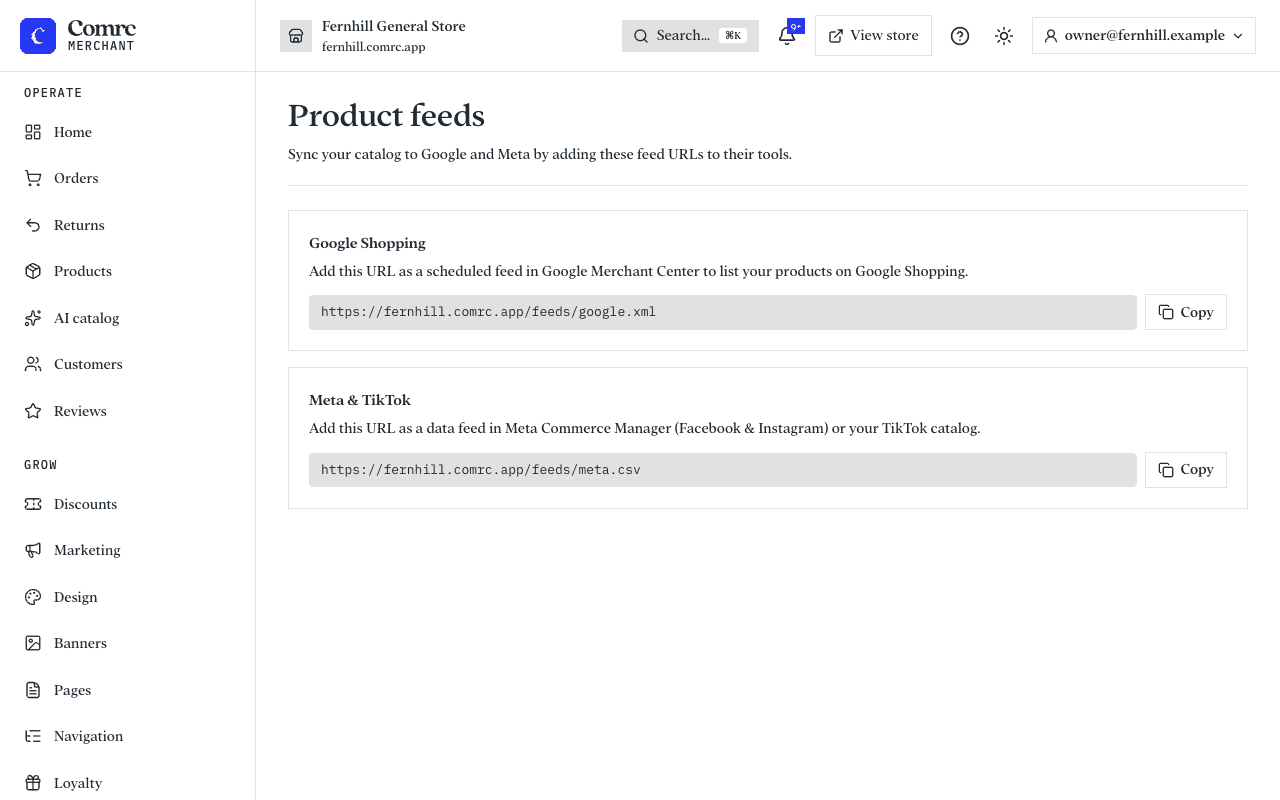
- Open Product feeds and copy the feed address you need.
- For Google Shopping, add it as a scheduled feed in Google Merchant Center.
- For Facebook and Instagram, add it as a data feed in Meta Commerce Manager. The same feed works for a TikTok catalogue.
The feeds list the products you have on sale, with their prices, pictures and links to your store.