Your account and team
Connecting a custom domain
Use your own web address for your store instead of a comrc.app address.
In the consoleAccount → Custom domain
Your store always has a comrc.app address. If you own a domain — such as yourshop.co.uk — you can use it for your store instead.
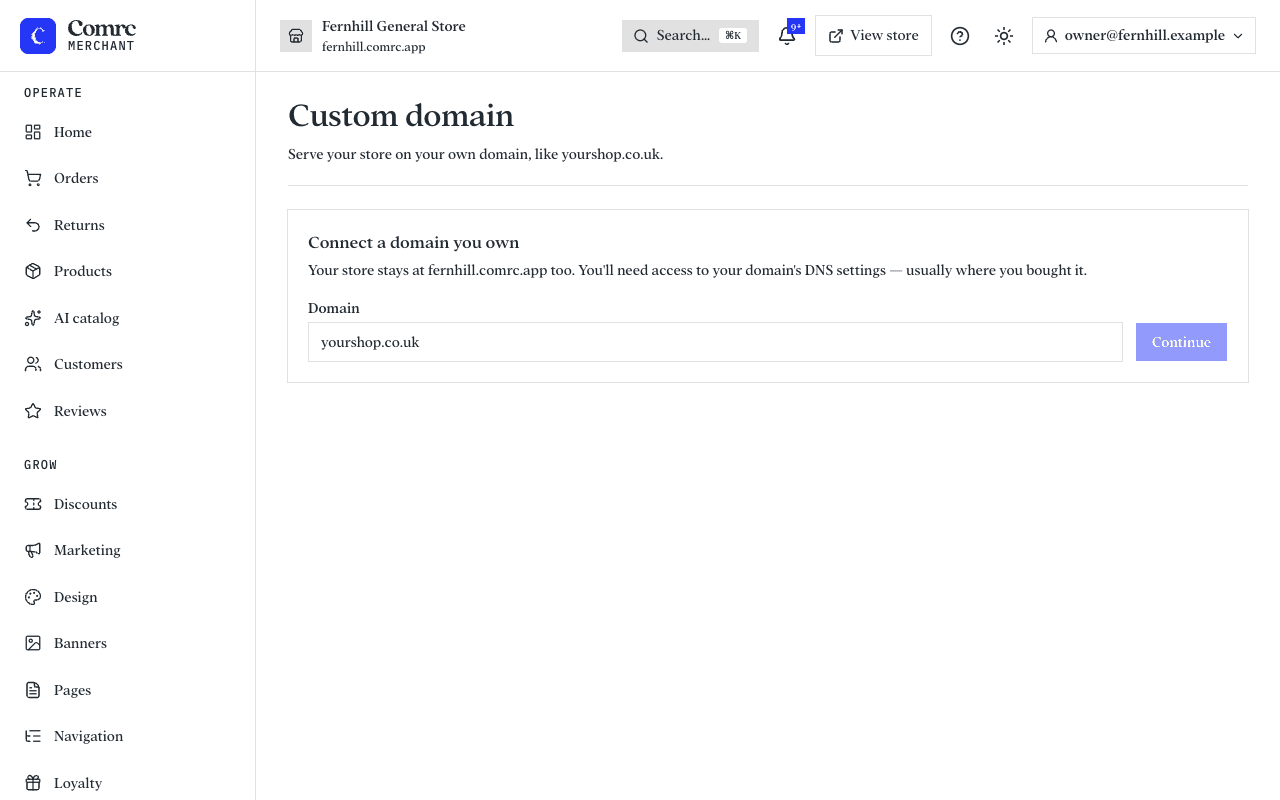
Connect your domain
- In the console, open Custom domain and enter the domain you want to use.
- The console shows the DNS records to add. Sign in to the company you bought your domain from (your registrar or DNS provider) and add them exactly as shown.
- Once the records are found, a security certificate is issued for your domain so your store loads over HTTPS.
If it isn't working yet
- DNS changes can take a while to spread — often minutes, sometimes up to a day or two.
- Check for typos in the records, and that there isn't an older record for the same name that conflicts with the new one.
- Your comrc.app address keeps working the whole time, so customers can still reach your store.