Your account and team
Adding your team
Give each person their own sign-in, with access to what they need and nothing else.
In the consoleAccount → Team
Don't share one password. Give everyone who works on the store their own sign-in, so you can see who did what and remove one person without disturbing the rest.
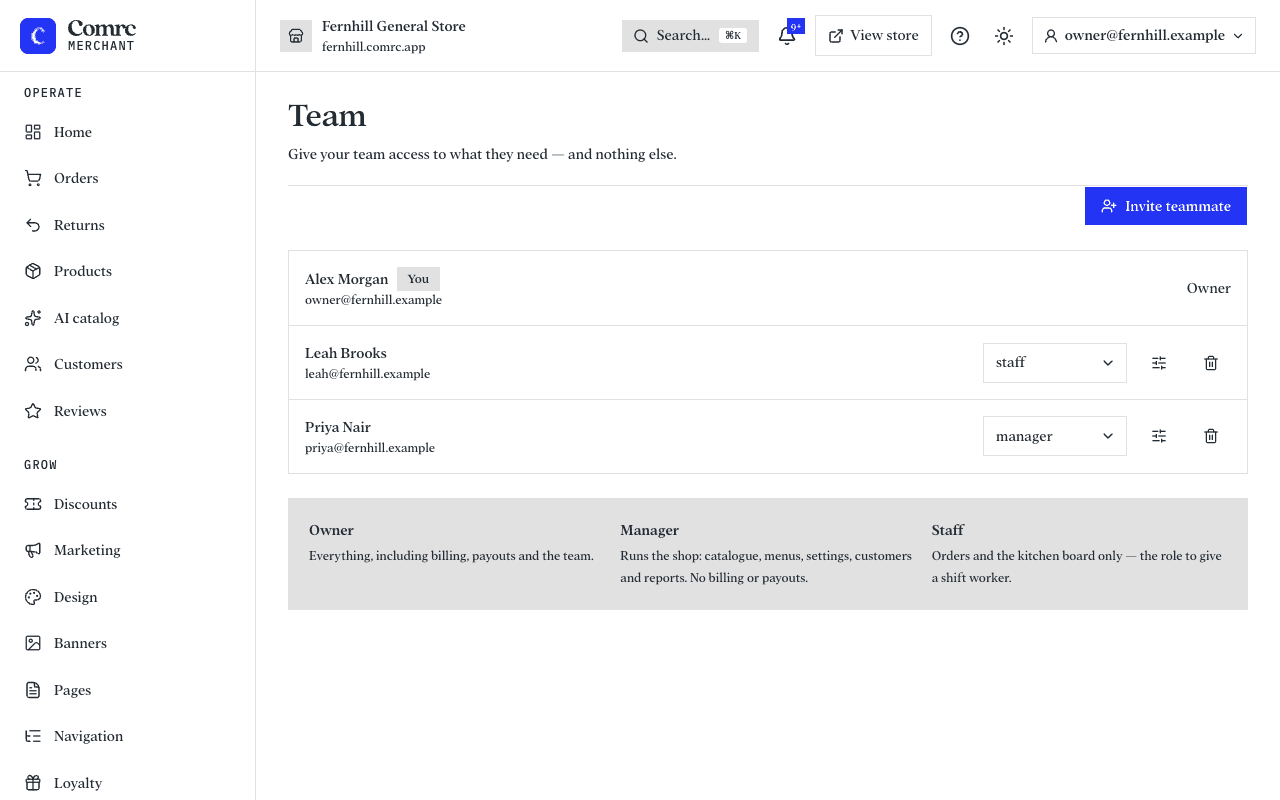
Roles
- Owner — everything, including billing, payouts and the team.
- Manager — runs the shop: catalogue, menus, settings, customers and reports. No billing or payouts.
- Staff — orders and the kitchen board only. The role to give a shift worker.
A role sets the baseline. With Edit access you can grant someone extra areas on top — for example, a staff member who also looks after customers.
Invite someone
- Open Team and press Invite teammate.
- Enter their name and email and choose a role.
- They get an email with a link to set their own password and join. If it goes astray, resend the invite.
Remove someone as soon as they leave, so they can no longer sign in.