Food and drink
Keeping customers posted on their order
Choose which stages of an order send the customer a message, and the name and reply address on those emails.
In the consoleFood & drink → Notifications
As an order moves across the kitchen board, the customer can be told. Notifications is where you choose which moments are worth a message.
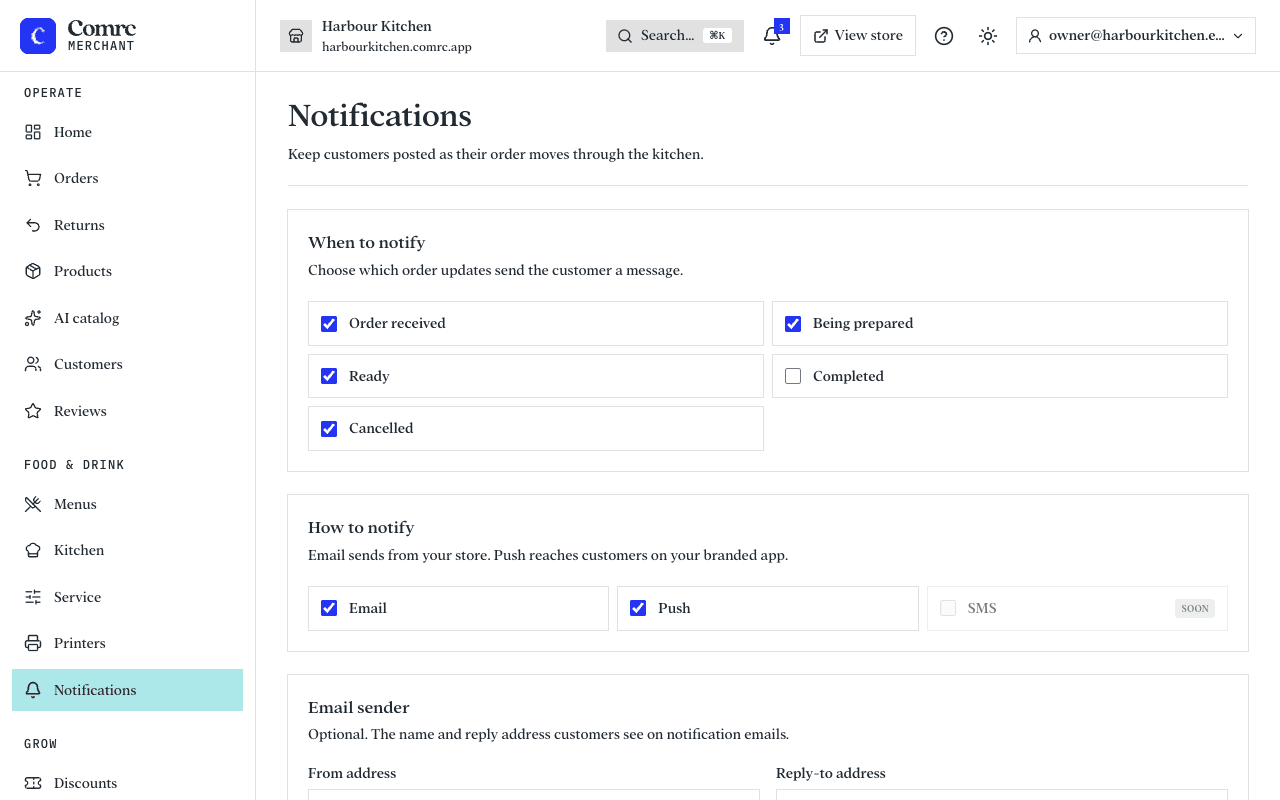
When to notify
There is a switch for each stage: order received, being prepared, ready, completed and cancelled. Most kitchens keep received and ready on, so the customer knows the order went through and when to come to the counter or the door.
Who the emails come from
Emails are sent in your store's name. You can set the sender name and the reply address customers see, so replies reach an inbox you read.