Orders and delivery
Offering click and collect
Let shoppers buy online and pick up in store, and tell them when and where to come.
In the consoleAccount → Click & collect
Click and collect adds "collect in store" as a choice at checkout. A collection order has no delivery fee and no delivery address.
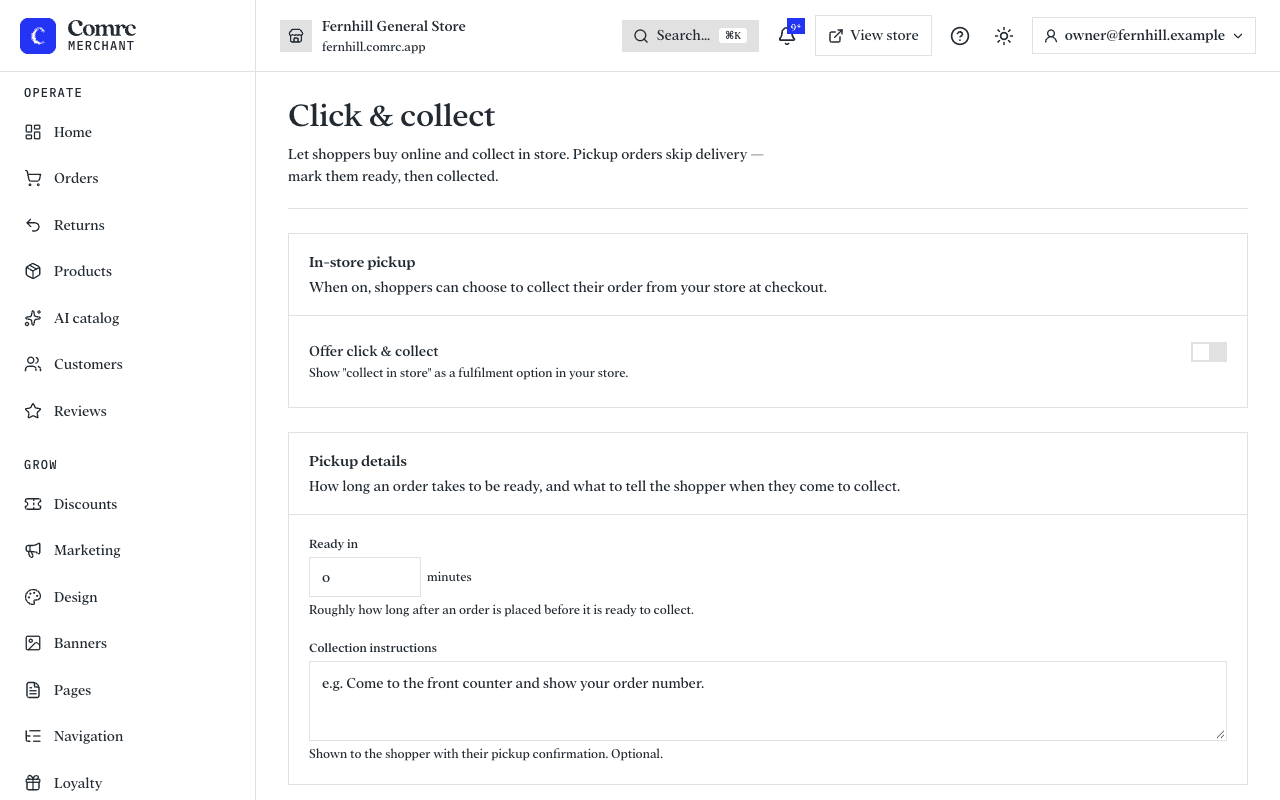
Switch it on
- Open Click & collect and switch it on.
- Say roughly how long after an order is placed it will be ready.
- Add collection instructions, such as "Come to the front counter and show your order number". They are sent to the shopper with their confirmation.
When an order comes in
Prepare it, then mark it ready for collection — the shopper is told it's waiting. When they pick it up, mark it collected.
More than one shop
If you have several locations, shoppers choose where to collect from and see that location's address and opening notes. Each location can be set to offer collection or not, under Locations.